
Appearance
Publisher Logs
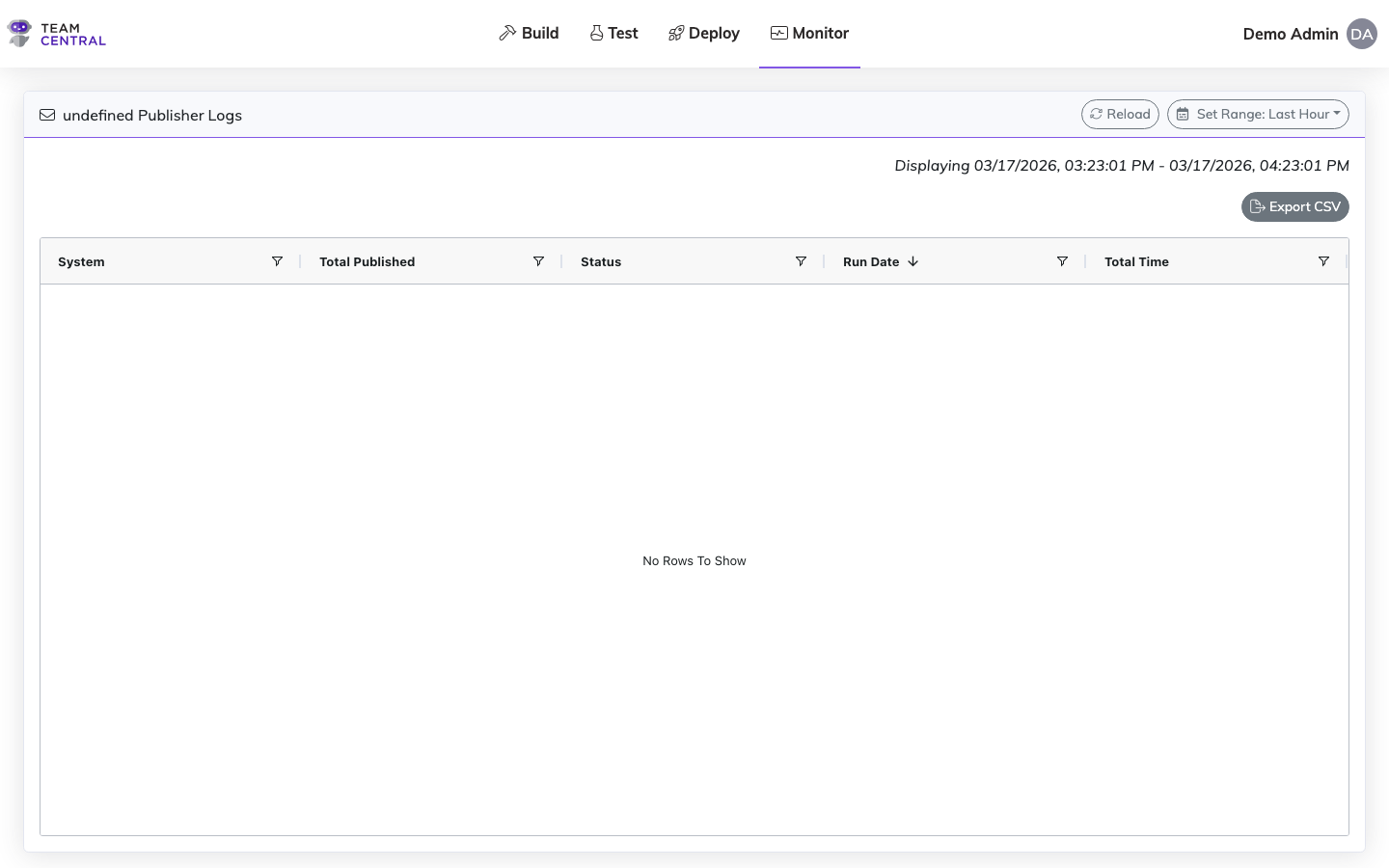
Publisher Logs show the history of publisher endpoint runs, including processing times, record counts, and status information.
Getting Here
You can open Publisher Logs from a few places:
- From the Monitor Dashboard, select a publisher in the endpoint list.
- From a data hub, click the ellipsis () on a publisher endpoint's card and select View Publisher Logs. This opens the logs for that endpoint in a new tab. The option is available for live publishers, including a draft endpoint that already has a live version.
Key Features
- Run History — View when each publisher ran and how long it took
- Status Tracking — See completed, failed, and in-progress runs
- Record Counts — Track how many records were published in each run
Related Pages
- Monitor Dashboard — View overall platform health and publisher status
- Error Logs — Investigate failures from publisher runs
- Messages — Inspect individual messages produced by publishers
- Scheduling — Configure when publishers run to collect data