
Appearance
Deployments
The Deployments page manages deploying Data Hub and API Gateway configurations to your environments. Review draft changes and promote configurations to live.
Key Features
- Data Hub Deployments — Deploy data hub configurations with publisher and subscriber endpoints
- API Gateway Deployments — Deploy API gateway configurations with data providers and webhooks
- Version Management — Track draft and live versions of each configuration
Deploy a Data Hub
Best Practice
It is highly recommended to include comments every time you release a new version, to document any changes made and provide context between users.
- Select Deploy from the main menu.
- Select Data Hubs from the submenu.
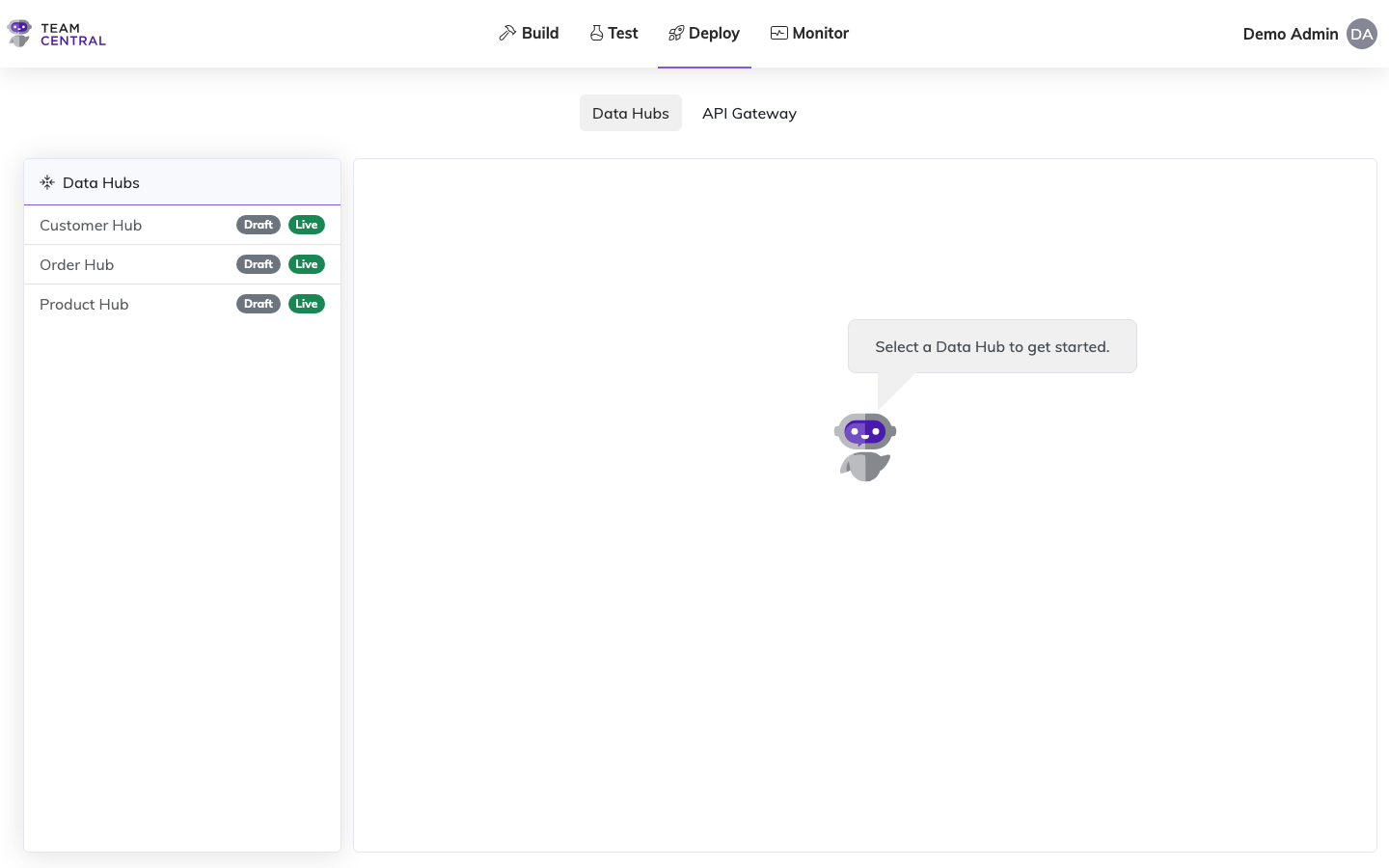
- Select the appropriate Data Hub in the left column.
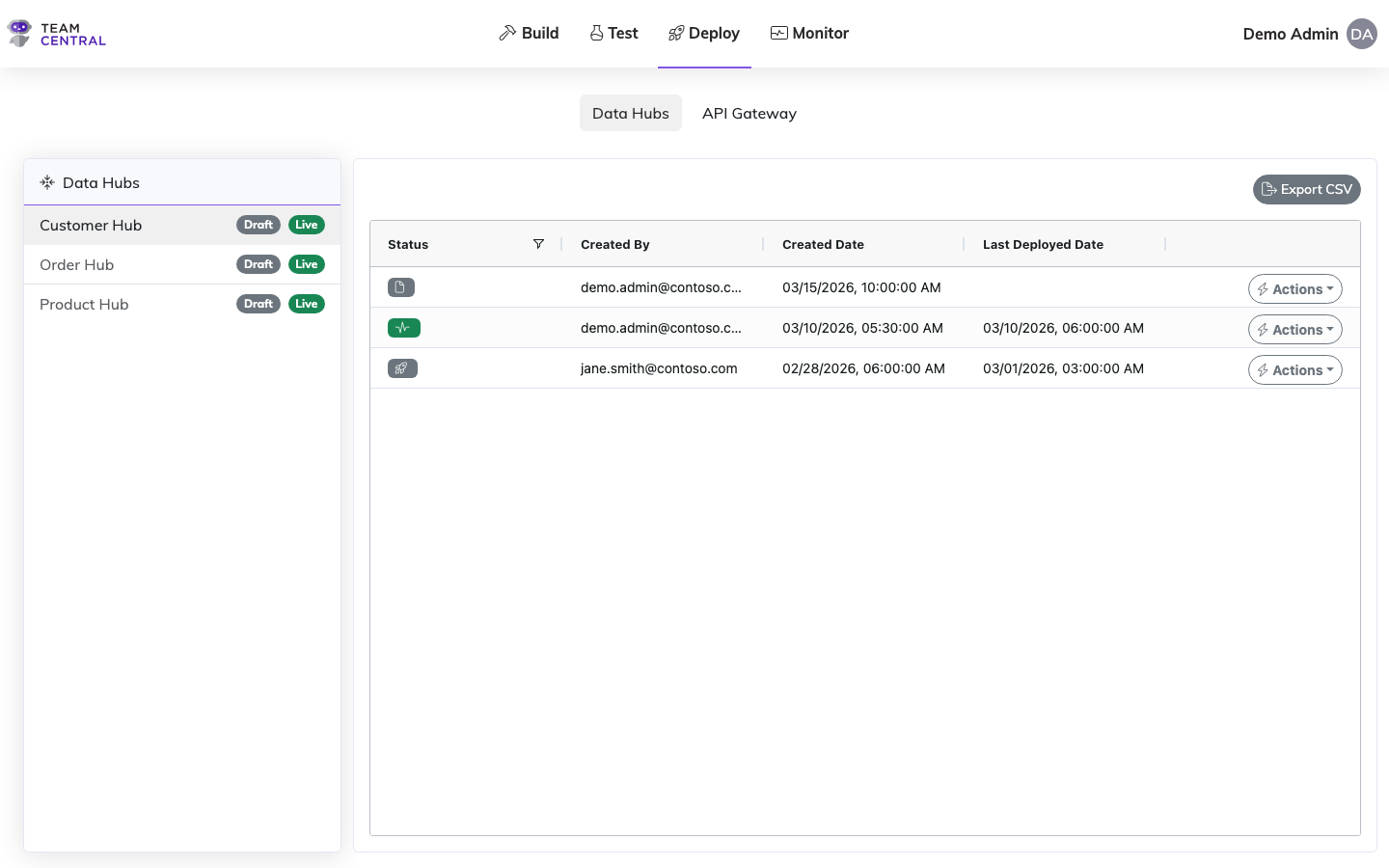
- As needed, use the table below to determine next steps.
Note
You may perform several of the following steps before continuing to deploy. These actions can be taken on versions in any status; however, only available actions will be selectable.
Pre-Deployment Actions
| To | Do this |
|---|---|
| Add Comments | Select Actions > Comments. Enter text in the Comments field, then select Save. |
| Compare with Live | Select Actions > Compare with Live. In the Compare Configurations window, view the side-by-side code for any changes and to ensure accuracy. When finished, select Close. |
| Compare with Previous | Select Actions > Compare with Previous. In the Compare Configurations window, view the side-by-side code for any changes and to ensure accuracy. When finished, select Close. |
| View Code | Select Actions > View Code. View the code to ensure accuracy; when finished, select Close. |
- When ready, select Actions > Deploy in the appropriate row.
- Select OK to confirm.
Note
Versions in either Draft or Previously Deployed status can be deployed. Both will supersede the current Live version.
Example
If a newly deployed Data Hub inadvertently caused issues or didn't run properly, you can restore a Previously Deployed version to ensure the integration continues to run while you work on repairing the new release.
Best Practice
It is recommended to deploy all data hubs from the Deploy > Data Hubs tool.
While it is also possible to deploy from the Build > Data Hubs > Actions > Deploy menu, it is strongly advised not to, as it will not provide you the opportunity to perform any of the optional steps previously outlined (e.g. add comments, compare versions, etc.).
Related Pages
- Versioning — Manage Data Hub version lifecycle
- Building Data Hubs — Create and configure Data Hubs
- Testing — Verify endpoint behavior before deploying
- Monitor Dashboard — Track deployment health